You've read the lists. Same logos. Same screenshots. Same lazy verdicts. “Best for ATS.” “Best templates.” “Best AI.” You finish the fourth roundup and still can't answer the only question that matters, which tool will help you write a better resume.
Most “best resume writer tools” lists are useless because they treat all tools like they do the same job. They don't. Some fix formatting. Some scan for keywords. Some help you figure out what you did and how to say it. Those are different problems. If you pick the wrong category, you get a polished document that still says nothing.
That's the trap. A clean interface that makes it easy to paste weak bullets is still helping you create weak bullets faster. The better question is simple. Do you already know what you want to say, or do you not know yet? If your problem is presentation, use a builder. If your problem is matching language to a job description, use an optimizer. If your problem is blank-page paralysis, use a writing tool that pulls the story out of you.
If you work in marketing, the same diagnostic applies to your stack in general. See these best digital marketing agency tools and you'll notice the same pattern. Different tools solve different bottlenecks.
1. StoryCV
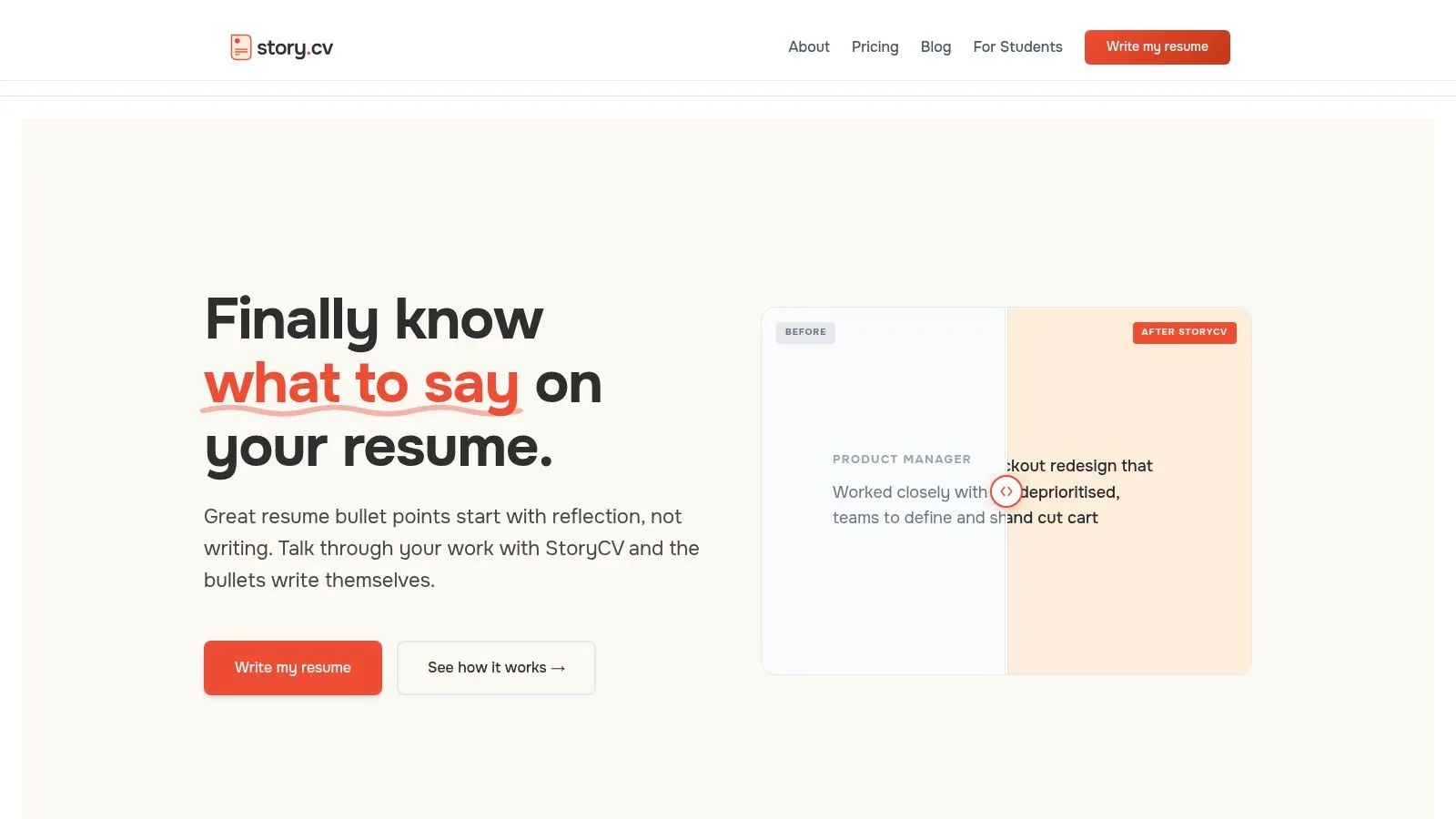
A prettier resume won't save weak content. If your real problem is, “I did good work, but I can't turn it into strong bullets,” start with StoryCV.
This tool belongs in the Content bucket. That matters. StoryCV is built for people who stall at the blank page, second-guess every line, and end up underselling themselves. Instead of handing you an empty editor, it asks guided questions about your role, decisions, constraints, and outcomes. Then it turns those answers into usable bullet points and summaries.
That approach solves the right problem first.
Why it works
A lot of candidates remember responsibilities. Hiring managers want proof of contribution. StoryCV closes that gap by pulling for specifics you would probably skip on your own.
A weak bullet says:
- Managed cross-functional project rollout
A stronger bullet says:
- Led rollout of a new onboarding workflow across product, ops, and support, improving coordination and reducing customer setup friction
Same experience. Better framing. Better evidence.
Practical rule: If a tool mainly changes layout, it's a presentation tool. If it helps you say something sharper, it's doing actual writing work.
The content gap is bigger than many applicants realize. In an analysis of more than 125,000 resumes, job descriptions contained an average of 43 keywords, but candidates matched only 51% of relevant keywords and skills in their resumes. Soft skills matched at 28%, and only 48% of resumes included a LinkedIn profile link, according to Cultivated Culture's resume statistics roundup. That points to a writing problem before it becomes an ATS problem.
Who should use it
Use StoryCV if your bottleneck is articulation.
- Mid-level professionals: You have enough real experience that generic prompts flatten it.
- Senior individual contributors: You need nuance, tradeoffs, and decision-making captured clearly.
- People burned out on chat prompts: You want structure that pulls details out of you instead of forcing you to coax a chatbot for 20 minutes.
The free option is enough to test the workflow on one role. Do that first. If the questions help you surface stronger material, paid plans give you access to unlimited roles, edits, and exports.
Where it's strongest, and where it isn't
StoryCV is strongest when content is the problem. It helps you extract substance, shape it into credible language, and keep the result ATS-friendly.
It is not the right pick for every case. If you already know exactly what to say and only need keyword tuning, an optimizer will do more. If you want high-touch executive branding and one-on-one strategy, a human writer still has the edge.
2. Rezi
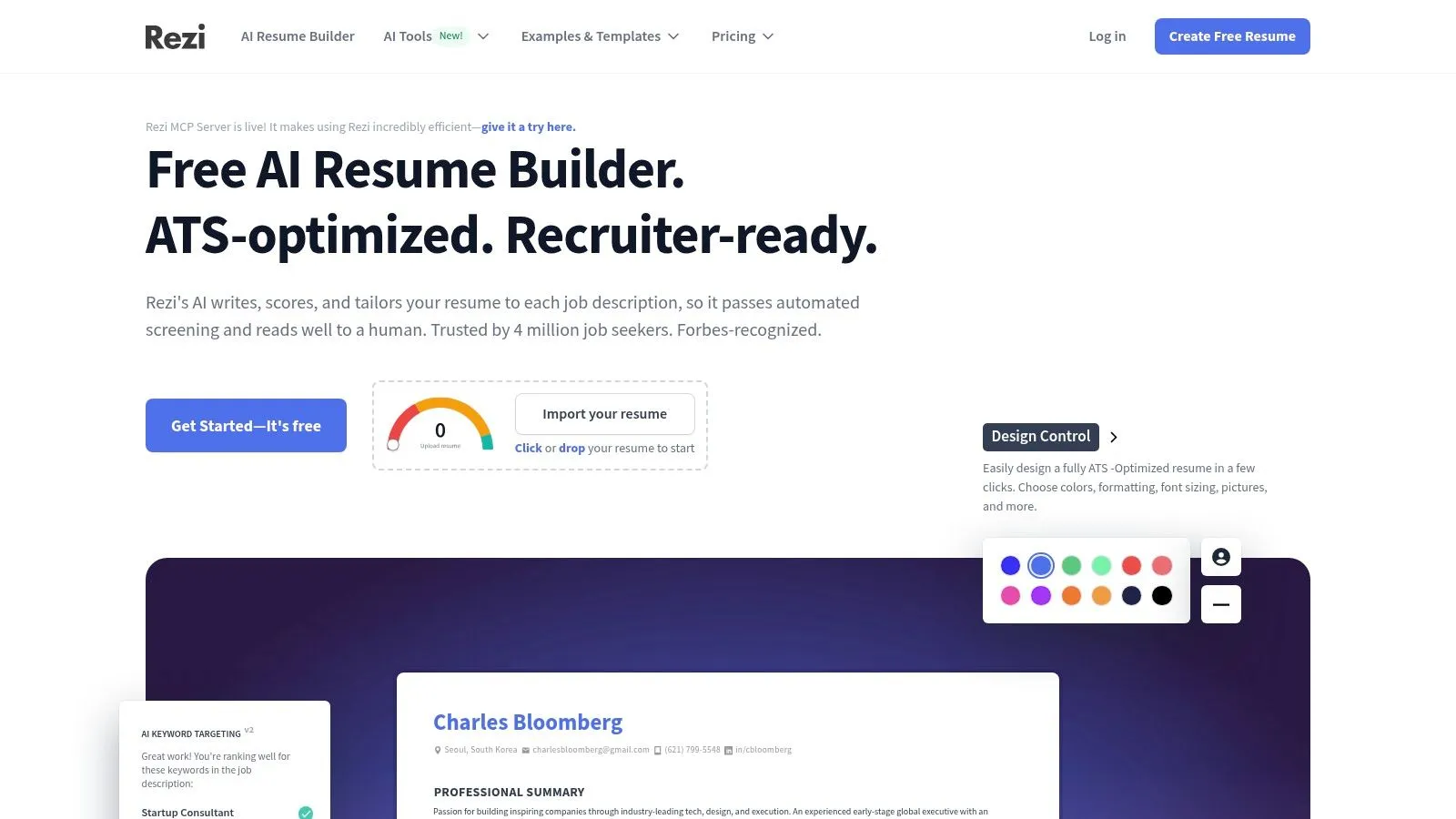
Rezi fits the optimization bucket. Use it when your problem is targeting, not writing from scratch.
That distinction saves time. If you already have real experience on the page and need to align it to a job posting fast, Rezi is a practical pick. If your resume still sounds vague, flat, or generic, start with a content-first tool instead. Optimization cannot rescue weak material.
What Rezi does well is simple. It gives you an editor built around ATS-friendly structure, AI assistance for tightening bullets, and a score that pushes you to close obvious gaps. That makes it useful for job seekers who want clear feedback while they revise instead of guessing what to change.
Best use case
Use Rezi after the first draft.
- Targeting a specific role: Paste in the job description and adjust language toward the requirements.
- Keeping formatting safe: Stick to layouts that parse cleanly instead of gambling on design-heavy templates.
- Exporting without cleanup: Get standard file formats without fighting spacing, alignment, or broken sections.
The demand for tools like this keeps growing. Coherent Market Insights on the resume building tool market projects steady growth in both the overall resume tool market and the AI-powered segment. That tracks with how people use these products now. They do not just want a template. They want help matching a resume to a real job.
The catch
Rezi has the usual optimizer problem. If you overuse the AI, your resume can start sounding repetitive and formulaic.
That matters.
Recruiters can spot stiff, overprocessed writing fast. Rezi is strongest when you use it to sharpen a draft you already trust, not to manufacture one from thin air. If your core issue is unclear thinking about your experience, use a content tool first. Then bring the draft into Rezi for tuning.
You can try Rezi if your bottleneck is fit, speed, and keyword alignment.
3. Jobscan
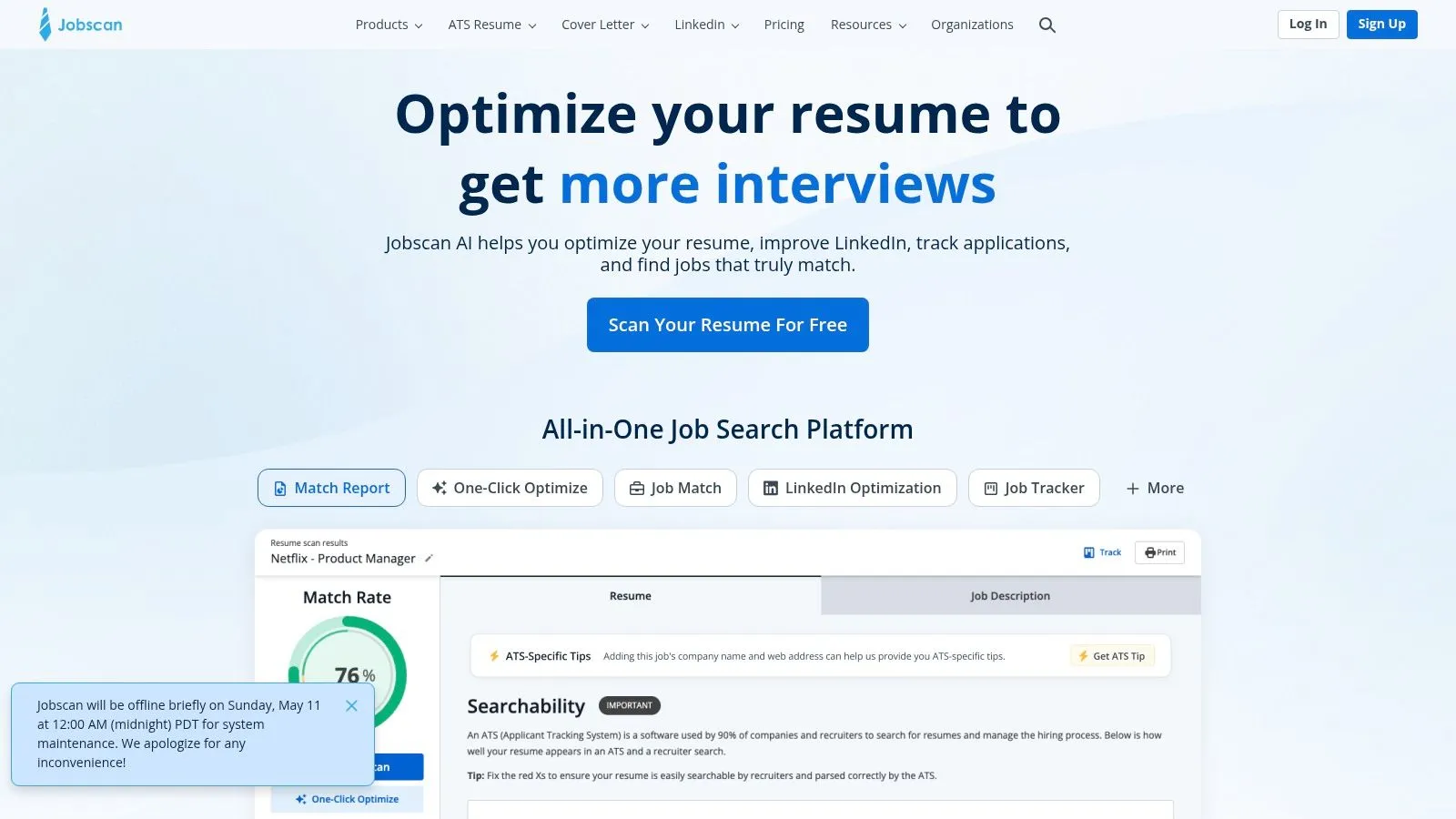
Jobscan is an optimization tool.
If your resume already says something real, Jobscan helps you line it up with a specific job posting. If your bigger problem is weak bullets, fuzzy accomplishments, or a career story that never got clear, this is the wrong starting point.
That distinction matters. This list is not just comparing features. It sorts tools by the problem they solve. Jobscan solves fit.
Its core value is simple. Paste in your resume, paste in the job description, and it shows where your wording misses the target. The Match Score gives you a clear benchmark, and Power Edit lets you revise with live guidance instead of guessing.
Where Jobscan earns its keep
Jobscan works best late in the process, not early.
Write the resume first. Then tune it for the role. That order saves you from stuffing in keywords that make you sound robotic.
It also helps with LinkedIn and other application materials, which is useful if you want your positioning to match across the whole application. That is why career centers keep recommending it. The product turns vague advice into a specific editing task.
Where people waste time
Chasing the score.
A stronger score can help, but the score is not the goal. A readable, credible resume is the goal. If you start rewriting every line just to satisfy the scanner, you get a document that may look better to software and worse to an actual recruiter.
Analysts cited by Market Intelo's AI resume builder market report describe broad ATS adoption among large employers and forecast major growth in AI resume tools through 2033. Fair. The demand is real. But the same trap keeps showing up. Optimization is useful only when the underlying content already deserves attention.
Use Jobscan if your problem is alignment. Skip it if your problem is substance.
4. Teal AI Resume Builder
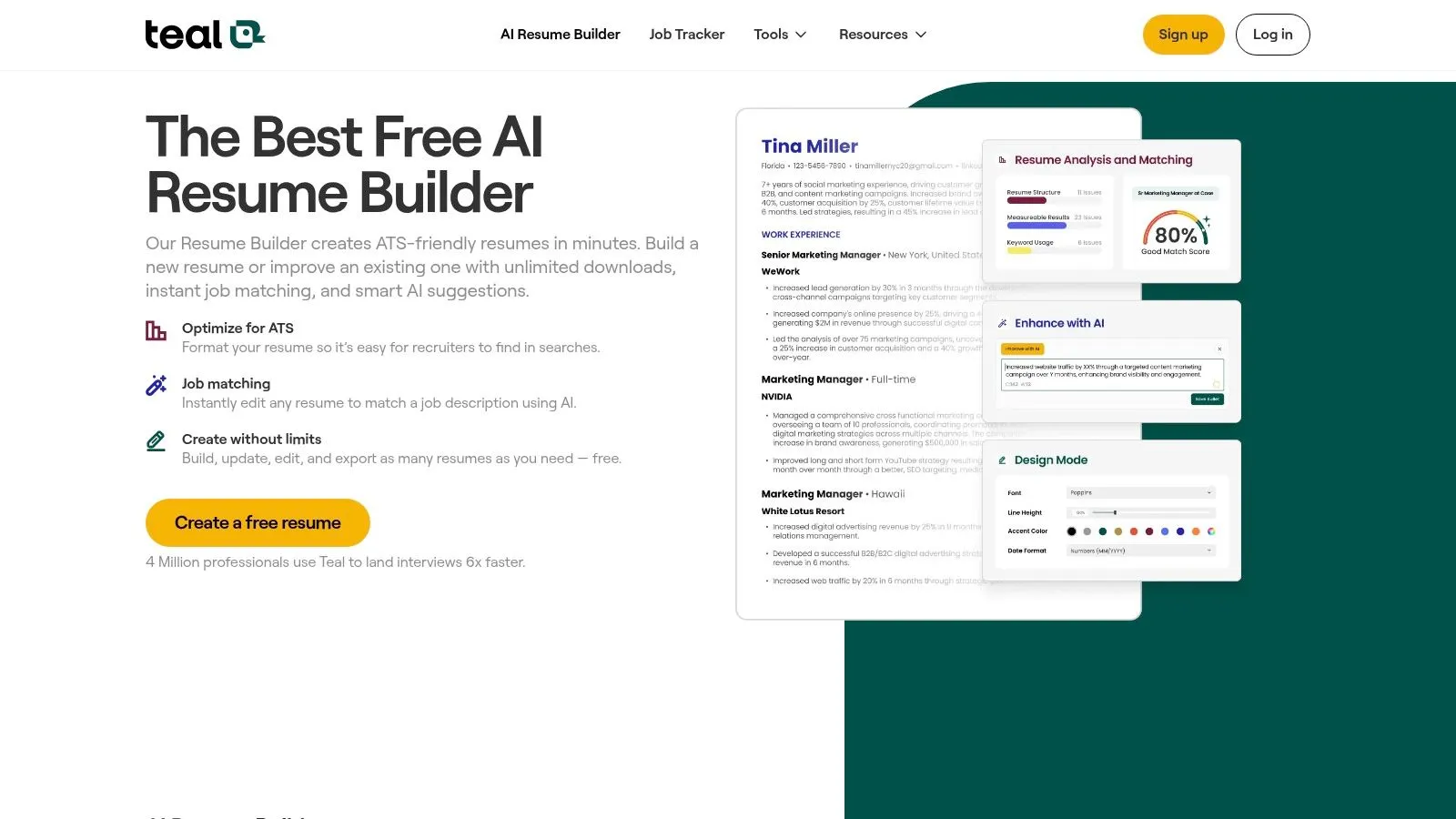
Teal is practical. That's its advantage. You get resume building, version control, job matching, AI help, and a job tracker in one workflow. For many people, that's enough reason to use it.
The free tier is the primary hook. Unlimited resume versions and downloads remove the usual friction that makes other builders annoying right when you're trying to apply fast.
Why people like it
Teal works well for organized job seekers who want one system for creating and managing application variants.
- Version management: Helpful if you tailor a lot and don't want ten files called Final Resume v7.
- Built-in tracker: Good if your bigger problem is job-search chaos, not just writing.
- Fast iteration: You can import past material and adapt it for new roles.
It sits between a pure builder and a pure optimizer. That's useful if your resume is already decent and your main need is workflow discipline.
Where it falls short
Teal still assumes you can provide the raw material. If your experience is fuzzy in your own head, the platform can't do the deep extraction work for you. It helps you build. It doesn't always help you think.
That's the core split many roundup articles miss. Template builders and workflow tools are great once the story exists. They're weak when the story is still buried under years of work that you haven't translated into outcomes.
If structure and speed are your main issues, Teal AI Resume Builder is a strong pick.
5. Resume Worded
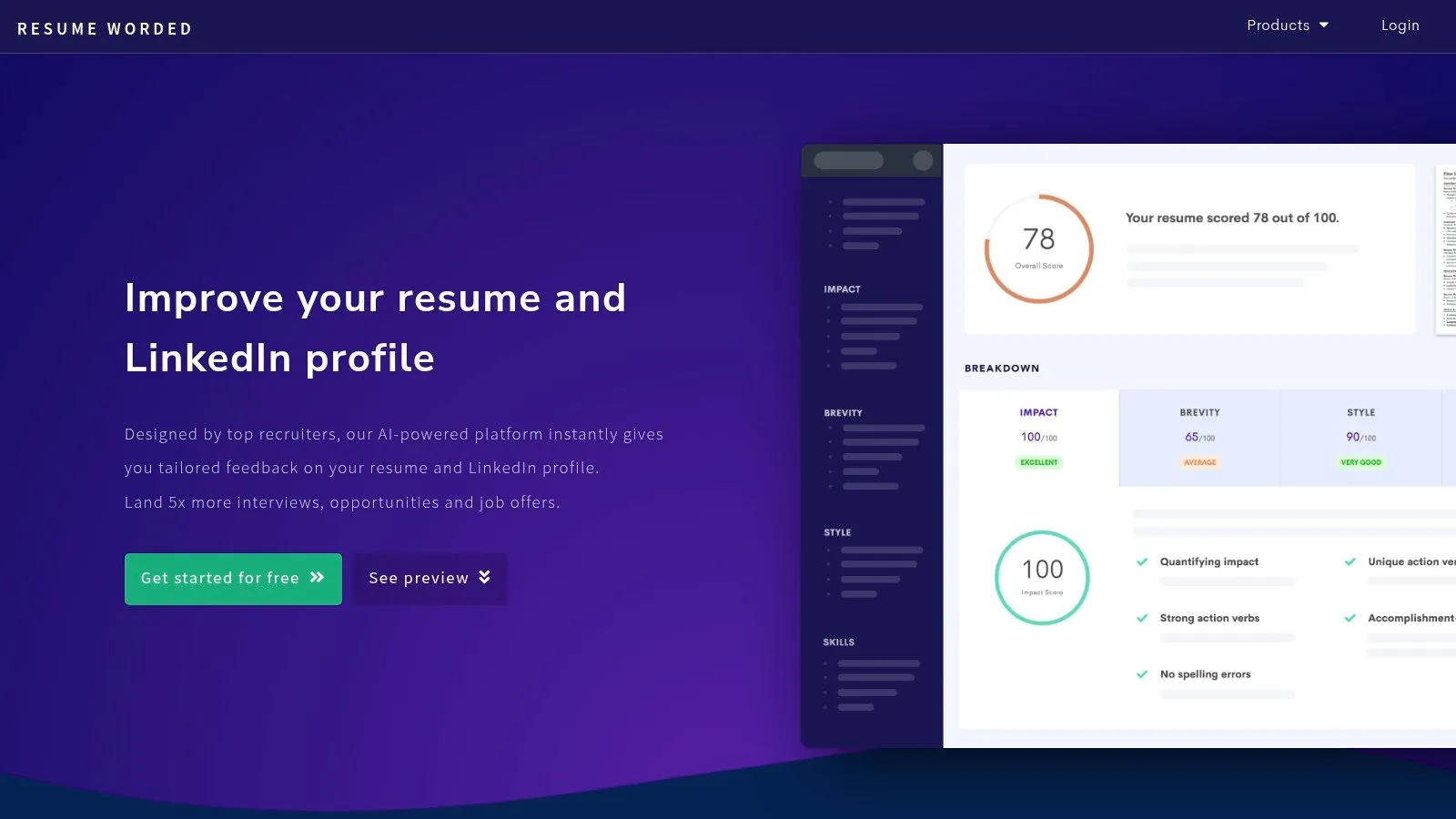
Resume Worded is an analyzer first. That's why it's useful. It doesn't pretend to be your everything tool. You bring the draft. It grades what's there, points out weak spots, and suggests rewrites.
If you like line-by-line feedback, this is one of the most direct tools in the category. The Score My Resume feature is the reason people use it.
Best for draft improvement
Resume Worded works best when your resume already exists but feels flat.
- Line-level feedback: Useful for catching vague bullets, weak verbs, and low-impact phrasing.
- Targeted tailoring: Good when you want to compare your draft against a specific job description.
- LinkedIn help: Nice bonus if your profile is also undercooked.
This kind of analysis matters because many resumes still leave obvious value on the table. As noted earlier, resumes often under-match the language and skills in job descriptions. Tools like Resume Worded help close some of that gap after the fact.
A scoring tool is a mirror. It's not a ghostwriter.
Where to be careful
The weakness is obvious. If you start with weak material, you will get an improved version of weak material. Better, yes. Exceptional, usually not.
That's why I'd rank Resume Worded below reflection-first tools for professionals who know their resume feels empty, not just messy. But if you've already got strong content and want disciplined editing feedback, Resume Worded is useful.
6. Zety
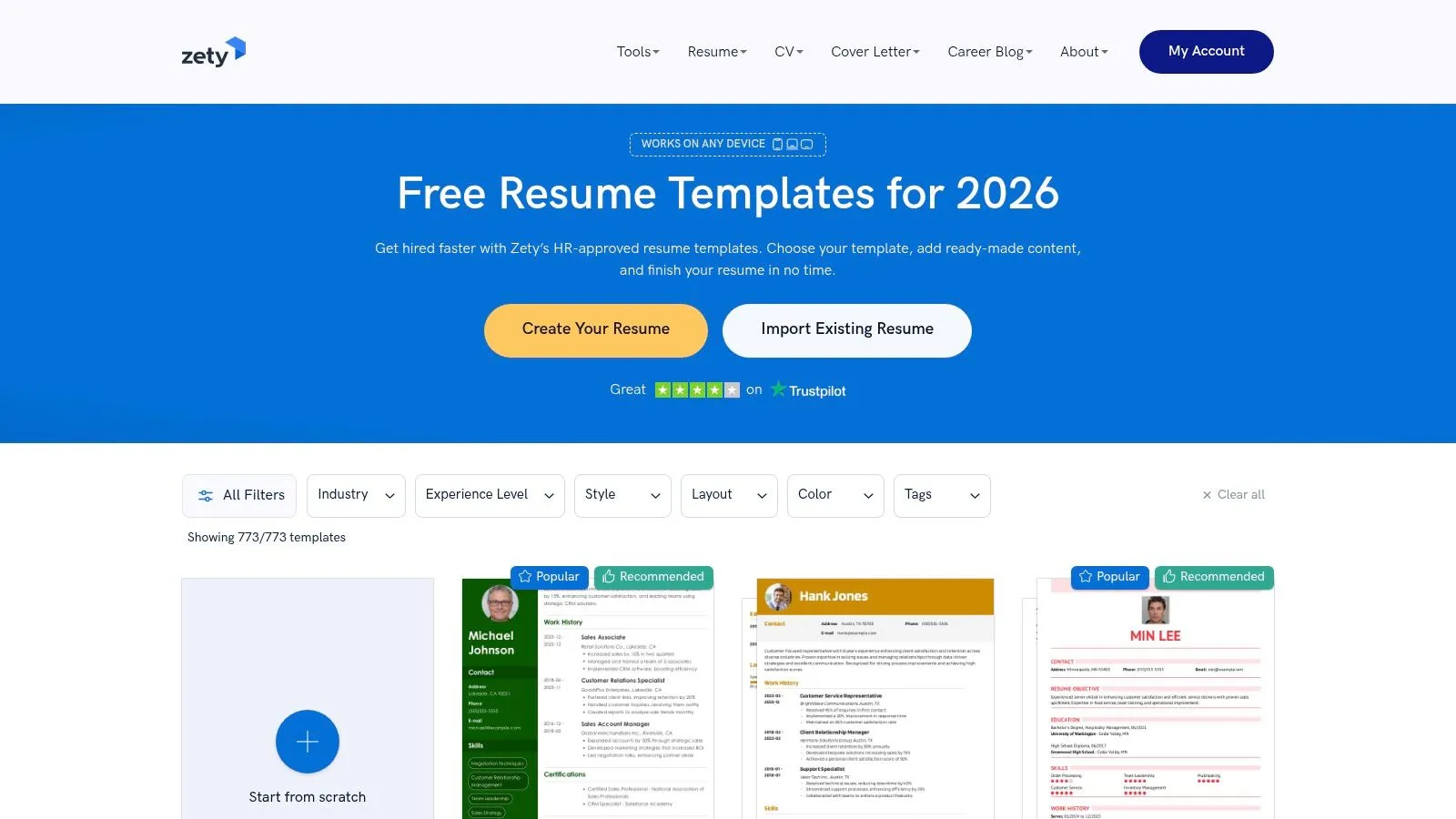
Zety is the classic builder pick. It's popular because it's easy. You choose a template, fill the sections, use the prompts, and get a polished-looking result fast.
That's not nothing. If your content is already clear in your head, Zety can save time. It's a presentation tool with some AI assistance layered on top.
Who should use Zety
Use Zety if your problem is mostly packaging.
- You know your story already: You just need to get it into a clean format.
- You want templates: Zety has a wide library and a straightforward editor.
- You need speed: It's built for low-friction document creation.
For people who hate design decisions, that's a feature. You don't have to think much about layout.
The downside of template-first tools
Templates can make weak resumes look finished before they're actually good. That's dangerous. A nice-looking document can trick you into believing the writing is stronger than it is.
This is why template builders dominate so many listicles while still leaving readers unsatisfied. They're easy to demo. Screenshots look good. But if your real issue is content, the template solves the wrong problem.
If you're clear on your achievements and just need a fast, professional shell, Zety does the job.
7. WonsultingAI ResumAI
WonsultingAI's ResumAI is part of a broader job-search suite, which is both its appeal and its limitation. You're not just getting resume help. You're getting connected tools for cover letters, outreach, interview prep, and job tracking.
For people who want an all-in-one application system, that's attractive. Especially if you prefer learning by examples and guided workflows.
Why it stands out
ResumAI makes the most sense for people earlier in the process, or people who want support across the entire search.
- Suite approach: Resume writing connects with networking, cover letters, and interview prep.
- Accessible workflow: Good for users who want structure instead of building their own process.
- Learning support: Educational content and community resources help if you're figuring things out as you go.
The tradeoff
The broader the suite, the less specialized each piece tends to feel. That doesn't make it bad. It just means senior professionals with nuanced experience may outgrow the resume output faster than students or early-career users.
Plainly, this is a good system if you want momentum and support. It's less compelling if your resume problem is high-level narrative precision.
You can explore the full suite at WonsultingAI ResumAI.
Top 7 Resume Writer Tools: Feature Comparison
| Tool | 🔄 Implementation complexity | ⚡ Resource requirements | ⭐ Expected outcomes | 📊 Ideal use cases | 💡 Key advantages |
|---|---|---|---|---|---|
| StoryCV | Low, guided role-aware interview, minimal setup | Free single role; Full Story plan (~$10 for 1 week pass) | High, narrative-driven, ATS-compatible bullets quickly | Students, career changers, mid-level professionals, veterans | Interview-driven context extraction; fast drafts; privacy-first |
| Rezi | Moderate, requires JD input and iterative tuning | Freemium limits; paid plans or Lifetime option | Strong, ATS-first phrasing with measurable Rezi Score | Applicants targeting strict ATS screening | Real-time Rezi Score; keyword targeting; optional human review |
| Jobscan | Moderate–High, iterative matching and edits | Subscription for Premium features; advanced tools on paid tiers | Very high for JD alignment, Match Score and Power Edit | Heavy tailoring for specific JDs; career centers; LinkedIn optimization | Deep resume-to-JD matching; broad ecosystem of optimization tools |
| Teal AI Resume Builder | Low, user-friendly builder and job tracker | Generous free tier (unlimited exports); Teal+ for heavy AI use | Good, fast tailoring and multiple versions for each application | Users wanting free unlimited exports and job tracking | Truly free core exports; integrated job tracker and smooth tailoring |
| Resume Worded | Low, analysis-first, best with an existing draft | Paid plans (monthly/annual); business tiers for coaches | High for diagnostic quality, line-by-line feedback | Users with drafts seeking data-driven revisions; coaches | Detailed diagnostics; shareable reports; strong clarity/impact checks |
| Zety | Low, template-driven, simple editor | Free TXT downloads; paid for PDF/DOCX (14‑day trial available) | Moderate, quick, profession-aware templates, less automatic tailoring | Consumers needing quick polished resumes and cover letters | Large template library; easy editor and straightforward pricing |
| WonsultingAI ResumAI | Low, integrated suite with companion tools | Free limited use; affordable premium unlocks unlimited AI | Good, solid resume generation plus supportive workflows | Students, early-career jobseekers, career changers | End-to-end suite (cover letters, outreach, interview prep); educational resources |
The Tool Is Not the Answer. The Story Is.
Stop hunting for the perfect template. Stop obsessing over a keyword score in isolation. A polished resume with thin content is still thin content.
The question to ask before picking any of these resume writer tools is simple. Do you already know what you want to say, or do you not know yet? That's the fork in the road. If you know your story, use a builder or optimizer. If you don't, use a tool that helps you uncover the story first.
Most roundup articles get this wrong. They compare features, interfaces, and export formats, then act like the tools are interchangeable. They aren't. A builder changes presentation. A scanner changes alignment. A real writing tool changes what you say.
That's the standard that matters. Does the tool produce better content, or just better-looking content?
If your resume is ugly, fix the design. If it's mismatched to a job description, optimize it. If it feels vague, generic, or weirdly lifeless, don't waste another hour changing fonts or chasing scores. You have a content problem.
The best resume doesn't sound optimized. It sounds true, specific, and relevant.
That's why the strongest recommendation for most working professionals isn't the flashiest builder. It's the tool that can pull substance out of your experience and shape it into language recruiters understand quickly. Once that exists, formatting is easy. Optimization is easy. Without it, you're just rearranging empty sentences.
Pick the category that matches your actual bottleneck. That's how you stop spinning.
If your resume sounds thinner than your actual career, try StoryCV. It interviews you, writes one role for free, and helps you turn real work into clear, credible bullets without the usual template nonsense.