
Stop memorizing answers. Start telling stories. Most guides to IT help desk interview questions are glorified flashcards. They give you a script, then leave you sounding like a script.
Hiring managers want proof that you can think, communicate, and solve problems under pressure. Help desk interviews test technical basics, but they also test whether you can explain those basics to a frustrated or nontechnical user, as Jitbit's help desk interview guidance makes clear. Your job isn't to recite definitions. It's to show judgment.
That's why each question below is really a story prompt. The interviewer wants to hear what happened, what you did, why you chose that action, and what changed afterward. Prepare examples from paid work, internships, school labs, volunteering, or personal projects. Use real details. Name the system. Explain the decision.
A useful answer usually follows this shape:
- Situation: What was broken, and who did it affect?
- Action: How did you investigate and respond?
- Judgment: What did you prioritize, communicate, or escalate?
- Result: How did you confirm the fix worked?
Generic answers disappear. Specific stories stick.
1. Walk Me Through Your Most Challenging Ticket
Hiring managers want to know what you did when the obvious fix failed. Lead with the user's problem and its impact. “A senior manager couldn't access shared drives after a password reset” gives the interviewer more useful context than “I handled an Active Directory permissions issue.”
Then walk through your investigation in order. Identify the problem, test likely causes, choose a fix, and document the result. That structure matches the troubleshooting approach outlined in this IT help desk interview question guide.
Practical rule: Name the tool, but keep the user's business problem in the foreground.
“I checked the account and found the user was locked out of three groups. I escalated the permission change to the Active Directory administrator, then followed up to confirm access before closing the ticket. The technical fix was straightforward. The important detail was that the user's manager was waiting for a report, so I kept both people updated.”
That story demonstrates ownership, diagnosis, escalation, communication, and follow-through. It also gives the interviewer clear evidence for your resume narrative. You are showing impact, not reciting tasks.
Pick a ticket complex enough to show judgment. A quick password reset says little. A major incident where you barely contributed creates a confusing story. Choose the moment when your first assumption changed, explain what evidence redirected you, and finish by confirming whether the fix held.
For example, replace “I fixed a network issue caused by a firewall rule” with the user's actual problem, the checks you performed, the evidence that changed your direction, and the steps you took to confirm service was restored. Those details make the answer credible and memorable.
2. How Do You Handle an Angry User on the Phone?
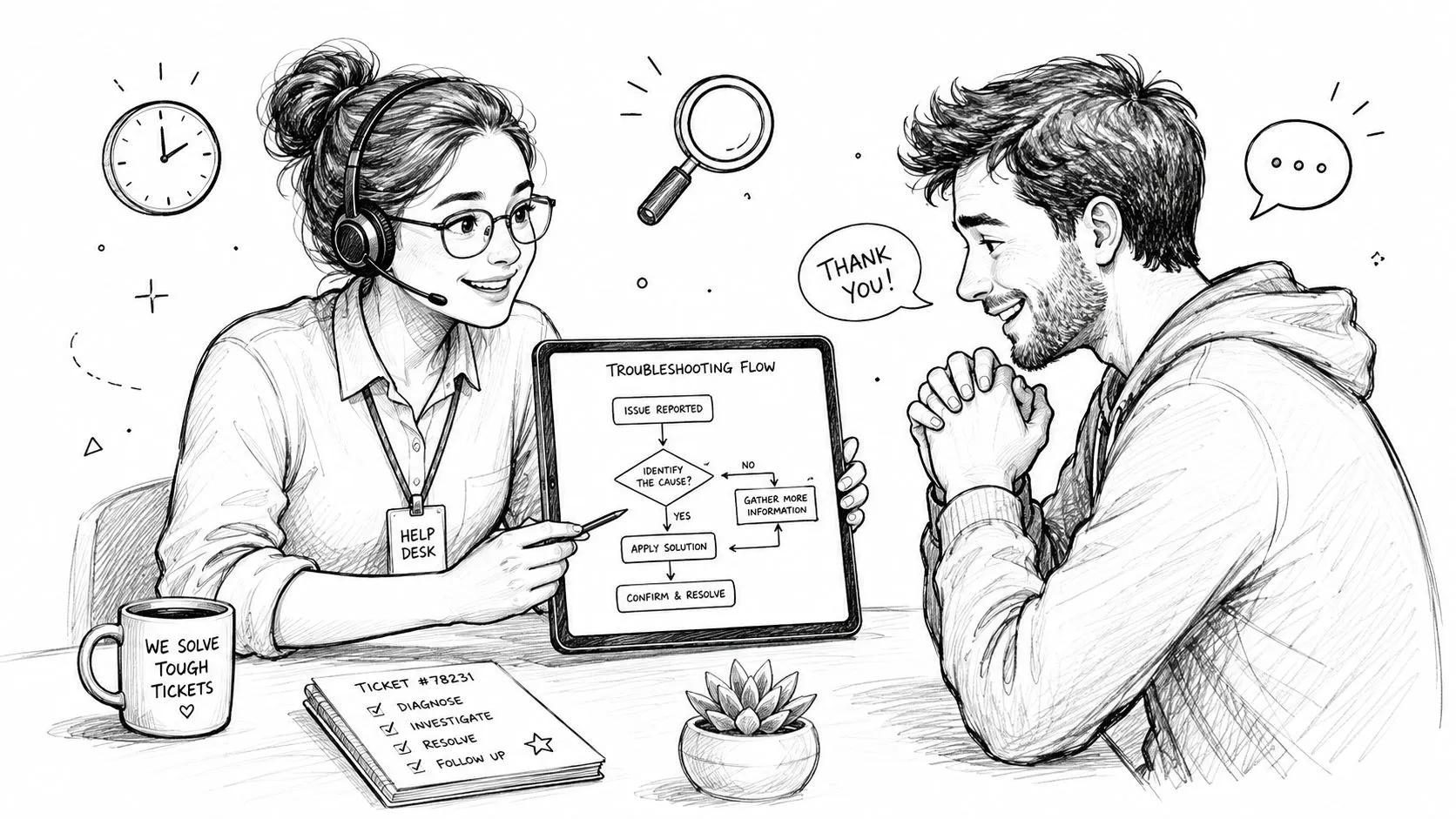
The interviewer isn't looking for a perfect empathy phrase. They're checking whether you can keep your head, listen carefully, and move an emotional conversation toward a useful next step.
Help desk work is service work. Users may be blocked from email, a shared drive, a VPN, or a business application. They're often calling because the problem is already affecting their work. Robert Half's help desk candidate questions highlights the importance of explaining technical issues to people with limited technical knowledge and handling angry customers professionally.
Don't lead with “I understand your frustration.” It can sound rehearsed. Reflect the actual problem instead:
“Your email is completely unavailable, and you've been waiting for two hours. I've got that. I'm going to check whether this is affecting only your account or other users too.”
That sentence does three jobs. It confirms you listened, avoids blaming the user, and creates a diagnostic path.
What a credible answer includes
Explain how you'd:
- Listen first: Don't interrupt while the user explains the impact.
- Restate the issue: Confirm what's broken in plain language.
- Ask focused questions: Find out what changed, what error appeared, and what the user needs to complete.
- Set a clear update point: Give a realistic time for the next contact, even if you're still investigating.
- Follow through: Call or message when promised, not only when the issue is solved.
A strong answer could be:
“I let the user finish, then repeat the problem back in simple terms. I ask what they were trying to do, what they saw, and whether anyone else is affected. If I can fix it, I explain the next step without jargon. If I need another team, I say what I'm escalating and when I'll update them. I don't leave them guessing.”
Communication isn't decoration around technical skill. It's part of the fix. StoryCV's guide to soft skills versus hard skills is relevant here because help desk candidates need to show both in the same story.
If IT caused the issue, say so without defensiveness. If it isn't on the user's end, tell them. That simple honesty can lower the temperature faster than a polished script.

3. What's Your Approach to Learning a New Tool or System?
Nobody expects you to know every environment on day one. They do expect you to learn without waiting for someone to spoon-feed you every step.
A weak answer is, “I'm a quick learner.” That's a personality claim, not evidence. Explain your learning process and show how you protect production systems while you build confidence.
For example:
When I learn a new platform, I start with the vendor documentation and our internal wiki. I look through resolved tickets to see the issues the team handles. Then I use a test environment, virtual machine, or sandbox and deliberately test common failure points. If I get stuck, I ask a focused question with the steps I've already tried.
That approach works for tools such as Intune, ServiceNow, Jamf, Azure Active Directory, and Microsoft 365. It also shows the interviewer you can distinguish safe practice from reckless experimentation.
Turn learning into proof
Use one tool from your background and explain the progression:
- Starting point: What did you know before using it?
- Study method: Which documentation, training, or internal resources did you use?
- Safe practice: Where did you test configuration, deployment, or troubleshooting?
- Work application: What did you eventually handle independently?
You might say:
“For an Intune deployment, I read Microsoft's documentation, reviewed our internal device standards, and tested enrollment in a controlled environment. I used the test process to understand configuration profiles and deployment errors before supporting a wider rollout. When a ticket came in, I could explain both the technical step and the reason behind it.”
Mention resources that fit your habits. That could be vendor training, an internal knowledge base, a home lab, a virtual machine, or a technical course. Don't list five learning methods you never use.
You also don't need to promise instant mastery. Say what you do first, how you test, and how you know you're ready to handle a real request. That's much more convincing than claiming you “pick things up quickly.”
4. Tell Me About a Time You Solved Something Without Escalating
This question tests autonomy, but it also tests restraint. The interviewer wants someone who can diagnose and resolve routine issues without turning every ticket into somebody else's problem. They also want someone who knows when escalation is the responsible choice.
Solving everything alone isn't wisdom. It's often a security or service-quality risk.
Choose a story where you did more than perform a familiar checkbox fix. A printer issue can work well if you explain the chain of evidence:
“A user's printer stopped working after she received a new Mac. I checked whether the printer itself was available, confirmed the user's network connection, and found that the required driver and printing service weren't installed in the device setup. I used the approved internal driver repository, installed the missing components, and printed a test page before handing the laptop back.”
That answer shows diagnosis and verification. It also shows that you didn't jump straight to escalation just because the ticket involved a printer.
Show the boundary of your judgment
Explain why you owned the issue:
- Scope: The problem affected one device rather than an entire department.
- Evidence: The printer was available to other users.
- Authority: You had permission to install the approved driver.
- Verification: You tested the result with the user.
- Escalation point: You knew which symptoms would require the printer or network team.
The same logic applies to email access, application errors, permissions, and endpoint problems. The story should make your reasoning visible.
A weak answer says, “I reset someone's password.” That may be a valid task, but it doesn't reveal much unless the account was locked, the user had an urgent business need, or the reset exposed a larger access problem.
Use tools and terminology naturally. CUPS, a driver repository, a network share, a ticketing system, or an endpoint console can add credibility. Don't scatter jargon to sound technical. Every named tool should support the story.
The best ending includes impact without inflated claims. Explain that you reduced back-and-forth, restored the user's workflow, prevented an unnecessary handoff, or improved the ticket notes for the next technician.
5. Describe Your Experience With Remote Support or Remote Access Tools
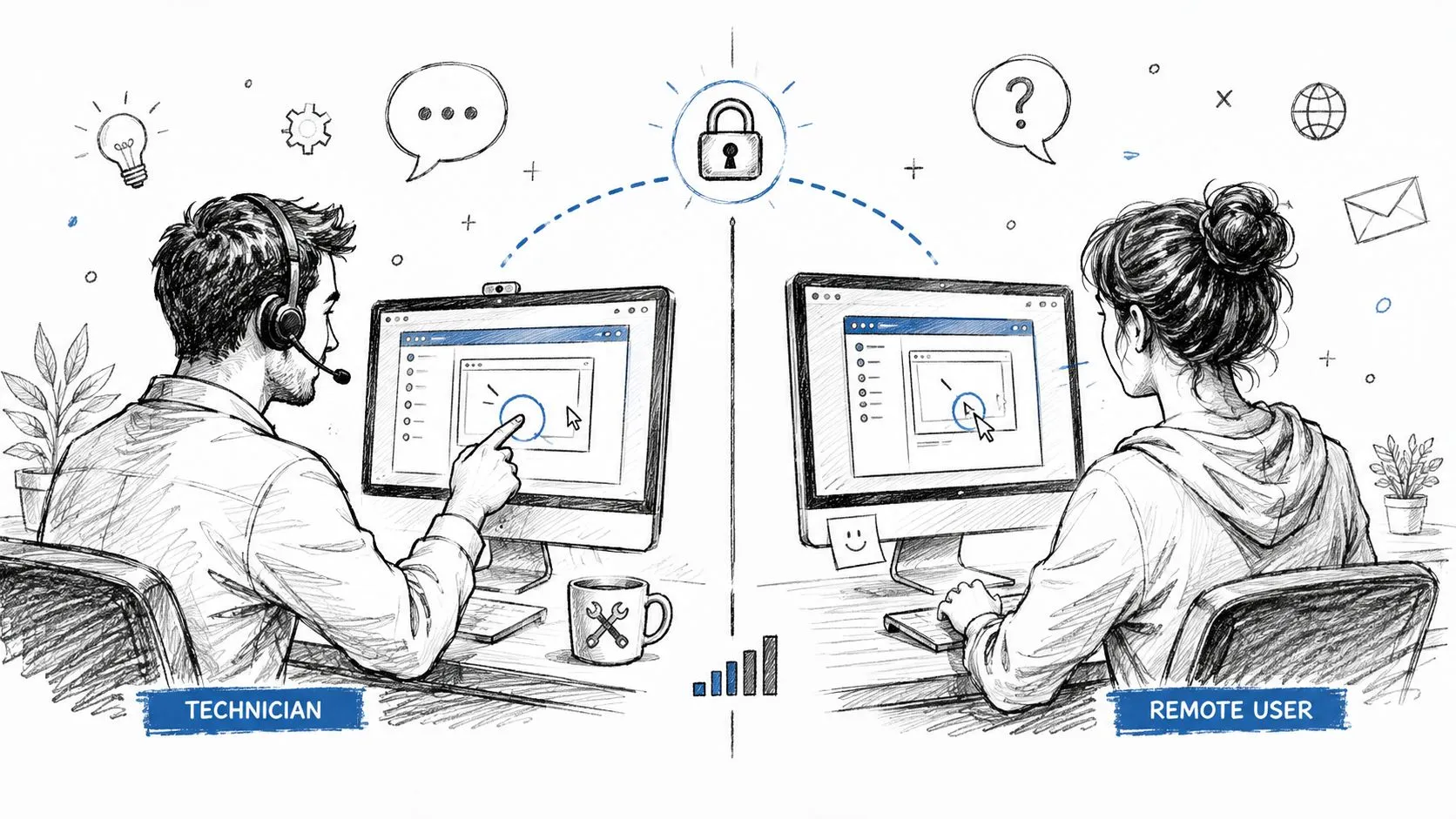
Remote support is now a basic part of help desk work. The interviewer needs to know whether you can troubleshoot a machine you can't physically touch, communicate clearly while connected, and end the session without creating a security problem.
Name the tools you've used. That might include RDP, TeamViewer, AnyDesk, Zoom, Citrix, or a vendor-specific remote console. Then explain what you did with them. “I've used remote tools” is too vague to establish competence.
A stronger answer sounds like this:
“I've used RDP and TeamViewer to support remote users. Before connecting, I confirm the user's identity and explain what I'm going to access. If the connection requires VPN or multifactor authentication, I walk the user through that first. During the session, I narrate the steps, avoid opening unrelated files, document what I changed, and disconnect cleanly when the issue is resolved.”
Show that remote support has limits
Remote troubleshooting changes the diagnostic process. You can't reseat a cable yourself. You can't inspect a docking station without guidance. You need to ask the user what they see and coach them through safe checks.
If bandwidth is poor, start with the connection rather than pretending the tool is broken. Ask the user to close unnecessary applications, switch to a more stable connection if available, or describe the error while you work through lower-bandwidth options.
Security matters just as much. Mention controls you've encountered, such as conditional access, VPN gating, session timeouts, device approval, and multifactor authentication. Also mention privacy. A support technician has access to a user's screen, so the session should stay focused and visible.
A remote session isn't permission to browse. It's a temporary, documented access path to solve a specific problem.
Close with follow-up. Confirm the user can complete the task, verify that the connection is closed, and record the relevant change in the ticket. That final discipline separates remote support from casual screen sharing.
6. What's Your Experience With Hardware Deployment or Imaging?
Password resets show that you can handle routine support. Deployment and imaging show whether you understand the work that prevents support problems before the user receives a device.
Be precise about what you've done. Name the operating systems, management platforms, enrollment process, and troubleshooting steps you've handled. Employers commonly look for Windows, Microsoft Office, networking basics, hardware and software troubleshooting, ticketing systems, and tools such as Active Directory or Microsoft 365, as summarized in this IT help desk job description.
A useful answer might cover:
- Operating systems: Windows, macOS, Linux, or mobile platforms.
- Deployment tools: MDT, SCCM, Intune, Autopilot, Jamf, or another approved platform.
- Device setup: BIOS or UEFI settings, drivers, encryption, compliance, and network access.
- Enrollment: Apple Business Manager, Automated Device Enrollment, Android Enterprise, or an MDM workflow.
- Validation: First login, policy application, software availability, and user handoff.
Don't claim hands-on experience you only observed. Say, “I assisted with the imaging process and independently handled post-deployment validation,” if that's accurate. Honest boundaries are more credible than inflated ownership.
Connect deployment to support quality
The story should show what you checked before the device reached the user. For example:
“I helped prepare Windows laptops through our deployment platform. After imaging, I verified drivers, encryption status, endpoint protection, policy application, and network access. I also supported the first-login process so we could catch enrollment or application issues before the employee started work.”
That answer moves beyond “I imaged laptops.” It shows prevention, quality control, and user experience.
If your resume needs stronger technical language, use StoryCV's technical skills resume examples as a prompt for the level of specificity you should aim for. The interview answer and resume bullet should reinforce each other.

7. How Do You Prioritize When You Have Multiple Tickets?
“I work by severity” isn't enough. The interviewer wants to know whether you have a system or respond to whoever is loudest.
Start with the ticketing system and apply impact, urgency, and service-level expectations. A department-wide outage should usually move ahead of a single-user inconvenience. A security concern may require immediate escalation even if only one person is affected.
A clear prioritization model might look like this:
- Critical: A major outage, serious security concern, or broad loss of access.
- High: A department-level issue or a business-critical user blocked from essential work.
- Medium: An individual problem with a workable alternative.
- Low: A request, enhancement, or issue with limited business impact.
That model isn't a license to ignore deadlines. SLA commitments can change the order, and the ticket system should make those commitments visible.
Make your communication part of the answer
A strong response could be:
“I sort the queue by SLA, impact, and urgency. If a critical outage appears, I move it ahead of individual requests and tell waiting users what changed. I batch similar tickets when that makes sense, because constant context switching creates mistakes. I also set reminders for follow-ups so a ticket doesn't disappear after the first response.”
That answer demonstrates process discipline without pretending every ticket fits a perfect formula.
You can mention a kanban board, queue filters, email flags, escalation rules, or dashboard views, but only if you've used them or understand how you'd use them. The tool matters less than the operating habit.
Good help desk performance balances speed with resolution quality. A practical benchmark places a happy-user resolution in the 15-minute to 4-hour range, according to Fixify's 2026 IT help desk benchmark report. That doesn't mean every ticket should be rushed. It means you should understand why a fast, shallow fix can create reopened work.
For a broader view of co-managed support and handoff models, see Accelerate IT Services' co-managed IT support overview. Your answer should make one point clear: prioritization is visible judgment, not queue panic.
8. Why Are You Interested in This Specific Role or Company?
This is the credibility check. The interviewer wants to know whether you researched the role or applied because the title appeared in a search result.
Don't repeat the company mission statement. Connect a specific detail to your experience and your next move.
A strong answer might sound like this:
“I noticed the role uses Intune and ServiceNow, which matches the endpoint and ticketing work I've already done. I'm also interested in the team's remote support model because I like documenting solutions and building shared knowledge instead of relying on hallway conversations. The role gives me a chance to deepen my support judgment while working across a broader environment.”
That answer is specific without sounding desperate. It names the tools, the work style, and the professional reason for applying.
Do the research that changes your answer
Spend time with the job description, company website, recent announcements, and any information the hiring team has provided. Look for one detail in each category:
- The environment: Tools, operating systems, support model, or user groups.
- The work: Ticket ownership, deployment, documentation, escalation, or project support.
- Your fit: A skill you've used or a capability you want to develop.
- Your reason: Why this role makes sense for your next step.
Avoid empty lines such as “You're an industry leader, and I'd love to grow.” That could describe almost any employer. It tells the interviewer nothing about your judgment.
If the role is remote, explain the working reason. Maybe you're effective with asynchronous documentation, comfortable with remote troubleshooting, or experienced supporting distributed users. Don't reduce the answer to personal convenience.
You can also connect this preparation to how to answer “why are you interested in employment with us”. The principle is simple. Make the answer about the intersection of their actual needs and your proven experience.
End with a question that reveals how the team works, such as which tickets new hires own first, how escalations are documented, or how the team measures successful support. That turns the answer into a real conversation.
Help Desk Interview: 8-Question Comparison
| Question | Implementation complexity 🔄 | Resource requirements ⚡ | Expected outcomes 📊 | Ideal use cases 💡 | Key advantages ⭐ |
|---|---|---|---|---|---|
| Walk Me Through Your Most Challenging Ticket | Medium–High, narrative + technical steps | Moderate, one real ticket, timeline, tool names | Demonstrates end-to-end troubleshooting, ownership | Technical behavioral interviews probing problem-solving | Shows judgment, communication, and follow-through |
| How Do You Handle an Angry User on the Phone? | Medium, soft-skill process, de-escalation | Low, examples, tone, timelines | Displays composure, empathy, de-escalation ability | Customer-facing support and live-call roles | Protects reputation and builds user trust |
| What's Your Approach to Learning a New Tool or System? | Medium, structured learning plan | Moderate, docs, lab/test environment, mentors | Signals self-directed learning and safe experimentation | Roles with rapidly changing tech stacks | Predicts quick onboarding and reducing mistakes |
| Tell Me About a Time You Solved Something Without Escalating | Medium, diagnostic + judgment call | Moderate, technical know-how and tools | Shows autonomy, correct escalation judgment | Small teams or roles needing independence | Reduces ticket churn and speeds resolution |
| Describe Your Experience With Remote Support or Remote Access Tools | Medium, technical + security considerations | Moderate–High, remote tools, VPN/2FA knowledge | Proves ability to support distributed users securely | Remote-first companies and distributed teams | Ensures secure, effective remote troubleshooting |
| What's Your Experience With Hardware Deployment or Imaging? | High, hands-on, repeatable processes | High, imaging tools, device access, test lab | Validates provisioning competence and compliance | Roles managing device lifecycle and deployments | Portable, high-impact skills that prevent future tickets |
| How Do You Prioritize When You Have Multiple Tickets? | Medium, process + situational judgment | Low–Moderate, ticketing tools, SLA knowledge | Demonstrates consistent triage and SLA adherence | High-volume support teams and shift work | Prevents backlog and optimizes team throughput |
| Why Are You Interested in This Specific Role or Company? | Low–Medium, research + alignment narrative | Low, company research, role specifics | Signals genuine fit and career intent | Any interview stage assessing cultural/role fit | Differentiates prepared candidates from mass applicants |
Your Interview Is Your Resume, Live
The same stories you prepare for these questions should appear on your resume. Vague bullets such as “Provided technical support” collapse under pressure because they contain no situation, decision, or result.
Specific stories carry both documents:
“Resolved a manager's access issue in 20 minutes, preventing a report delay.”
That line tells a hiring manager what broke, how quickly you acted, and why the work mattered. It also gives you a natural interview story. You can explain how you checked permissions, identified the group issue, involved the right administrator, and confirmed the user could resume work.
Your resume shouldn't list every ticket you touched. It should show the moments that reveal judgment, ownership, technical range, communication, and business impact. Those are the same signals interviewers look for when they ask about angry users, remote support, ticket priority, or a difficult troubleshooting problem.
If you struggle to find those stories, that's the core issue. You may have done strong work, but you haven't translated it into evidence. Start by reviewing resolved tickets, deployment notes, user feedback, escalation records, and recurring issues. Look for moments where you prevented delay, simplified a process, supported a difficult user, or solved a problem without unnecessary handoffs.
StoryCV's guided interview process is built for that translation. It asks about the context behind your work, the choices you made, and what changed afterward. The result is a clearer professional narrative instead of a pile of task descriptions.
The goal isn't to make your resume sound inflated. It's to make your actual contribution visible. A help desk technician who calmly restores access, documents the cause, and keeps a user informed has more to say than “reset passwords.” A technician who improves deployment quality has more to say than “set up laptops.”
Prepare eight stories, not eight scripts. Keep each one concrete. Lead with the user or business problem. Explain your reasoning. Name the tools that mattered. End with proof that the work was complete.
That's how you answer IT help desk interview questions without sounding rehearsed. You don't memorize the right words. You make your real work easy to understand.
StoryCV helps you turn the stories behind your help desk work into clear, credible resume narratives. Start with StoryCV to build a role that supports both your application and your interview answers.